📦 Define an ODD Module
Create logic-based scenario definitions using sections and conditions.
1. Add an ODDModules root node
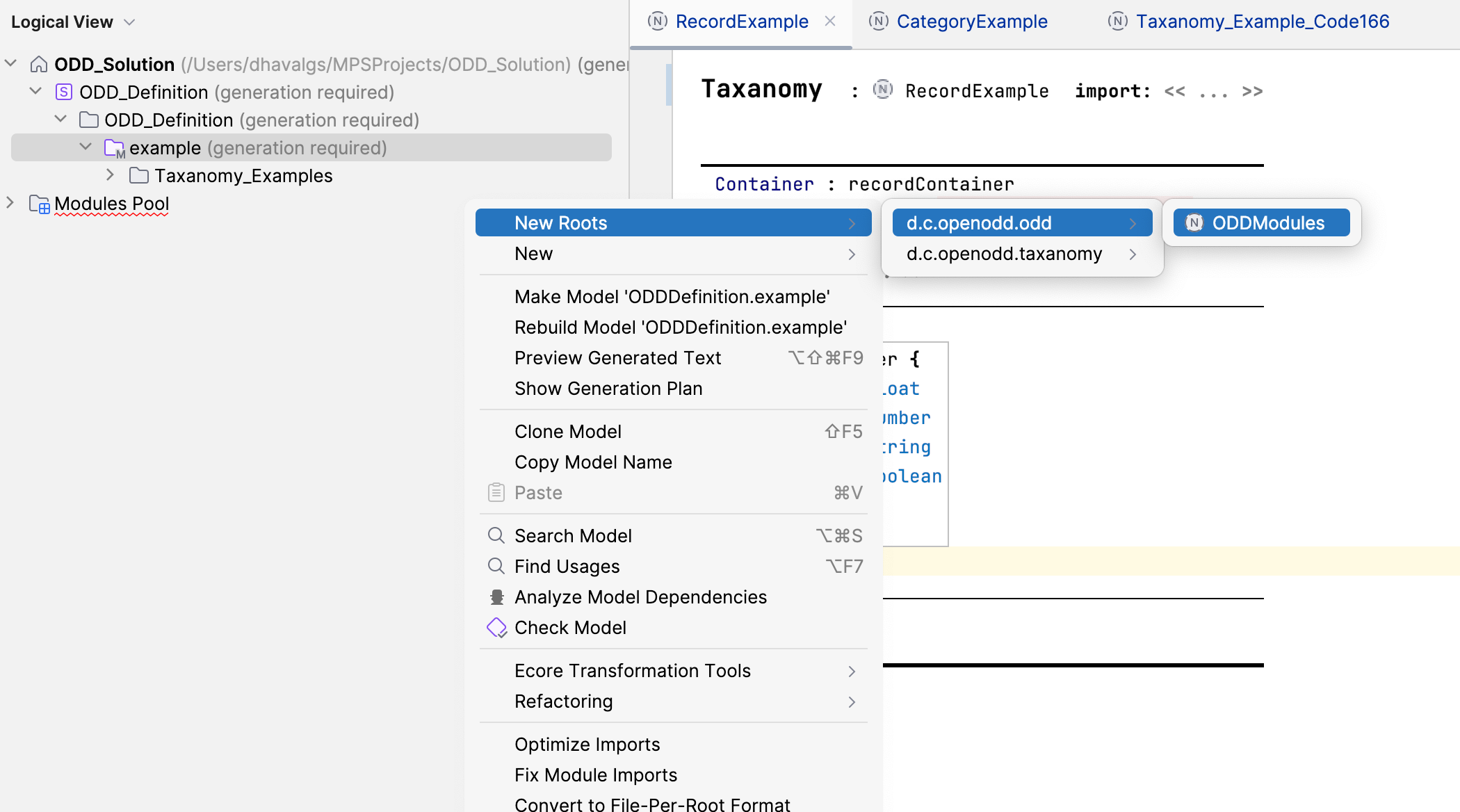
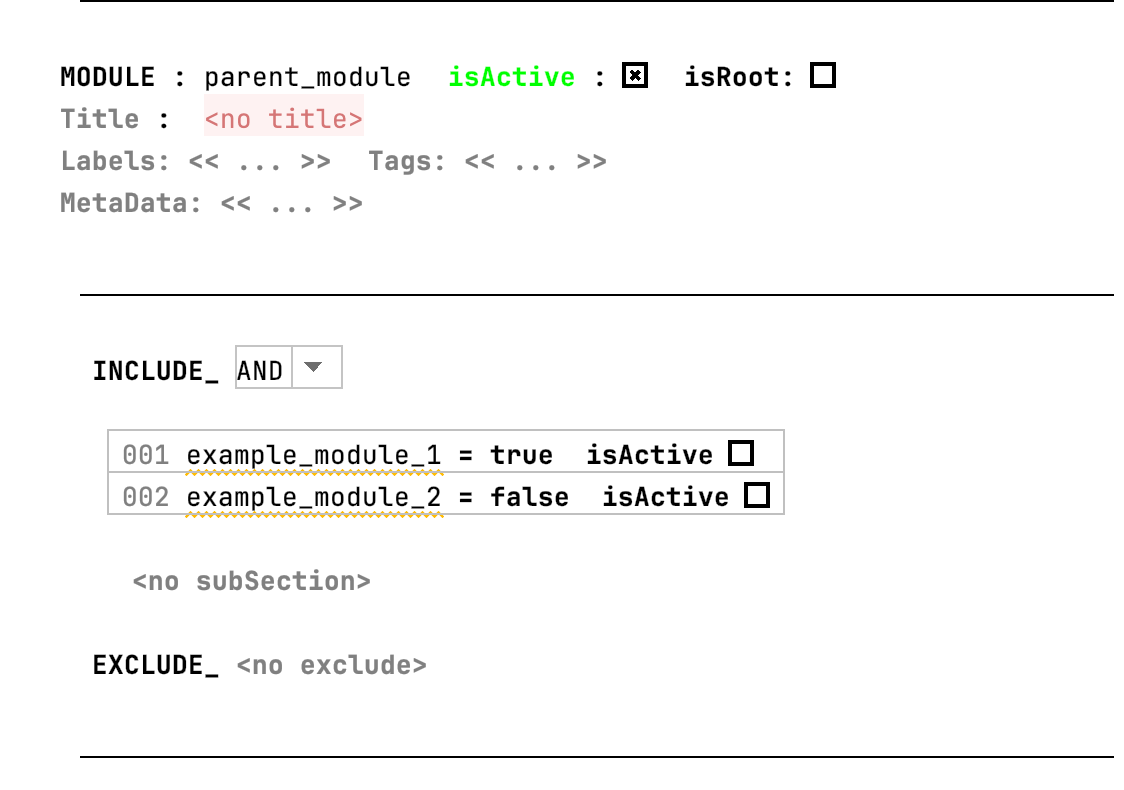
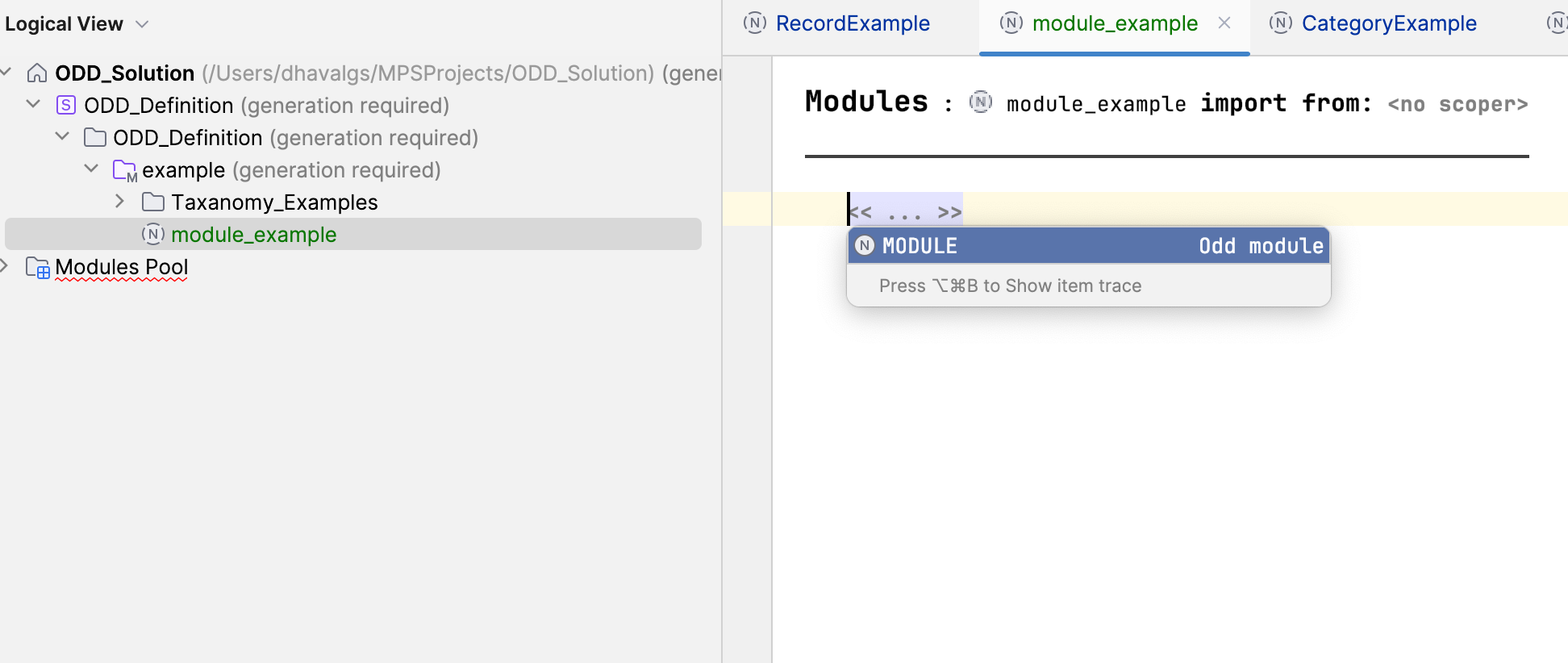
2. Add a module
- Press Ctrl + Space and select
Module.
- Name your module.
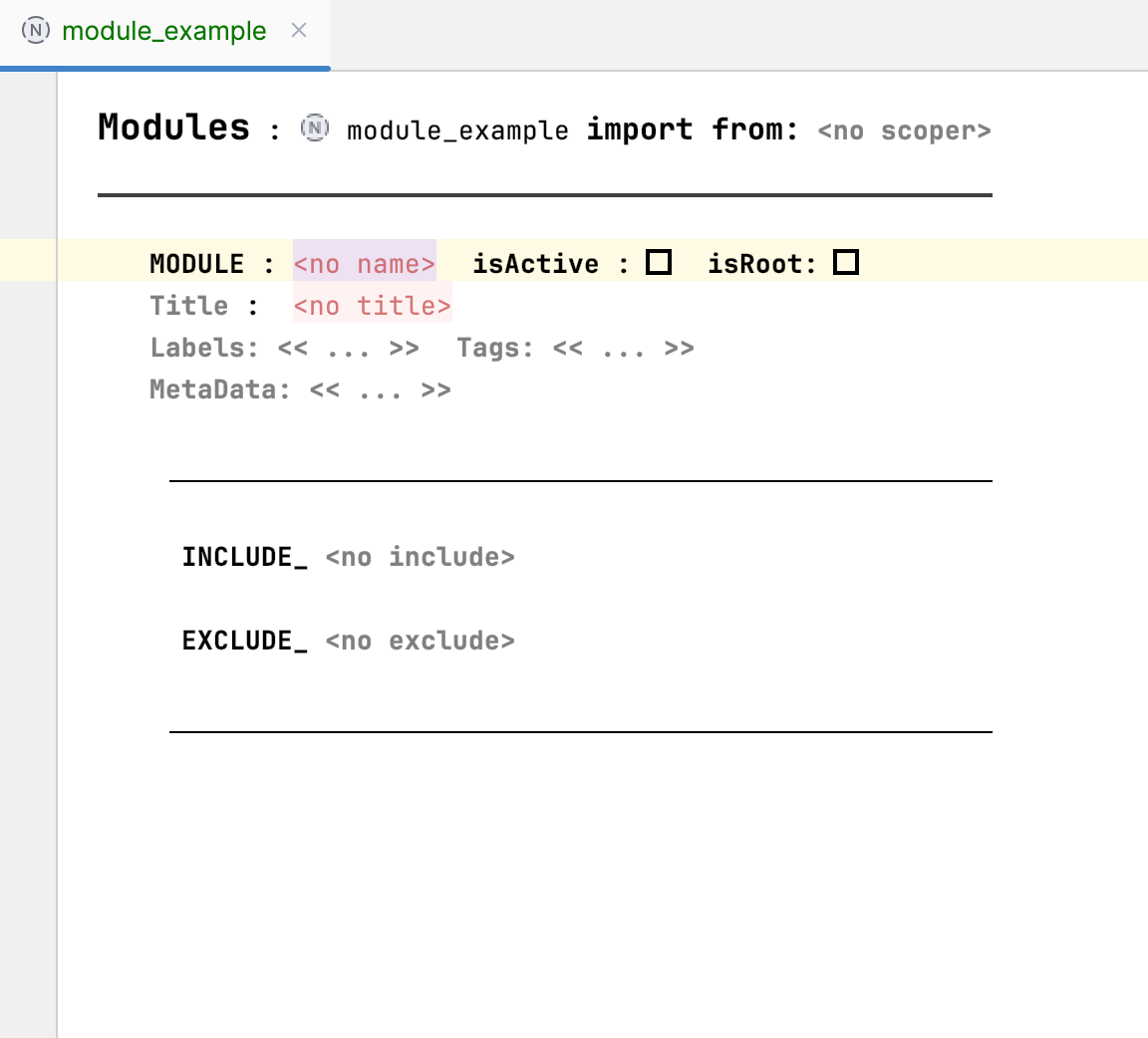
- Set
Active = true.

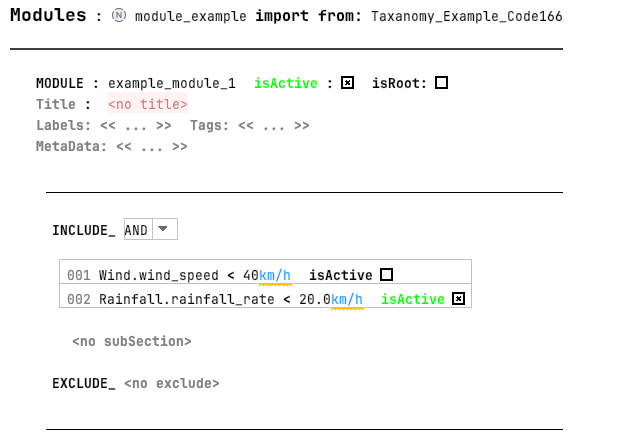
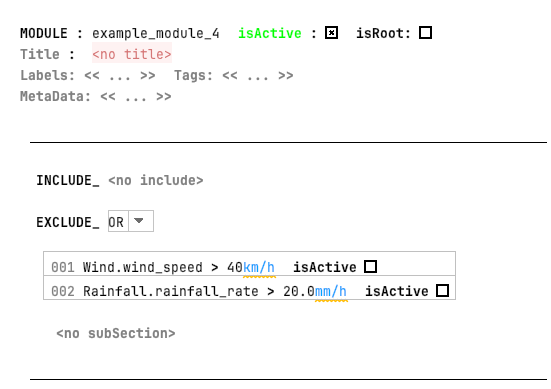
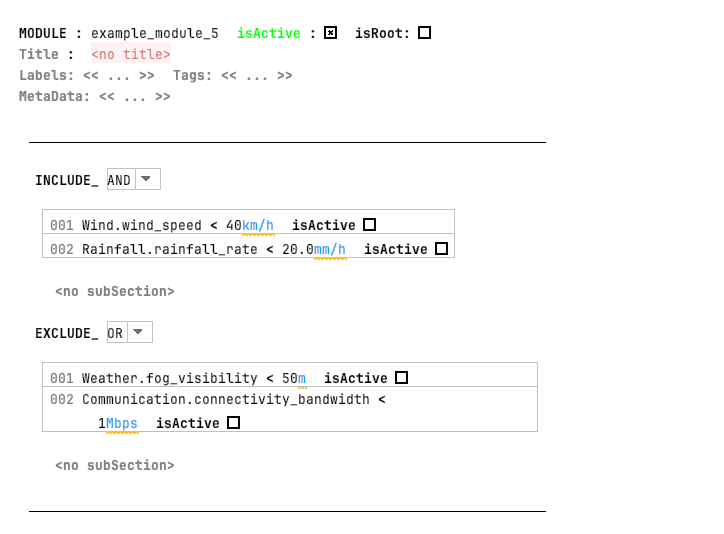
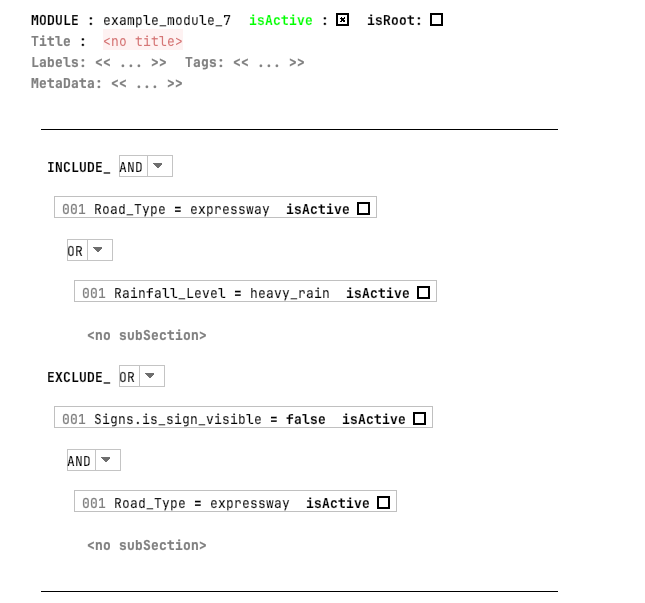
3. Add sections (include / exclude)
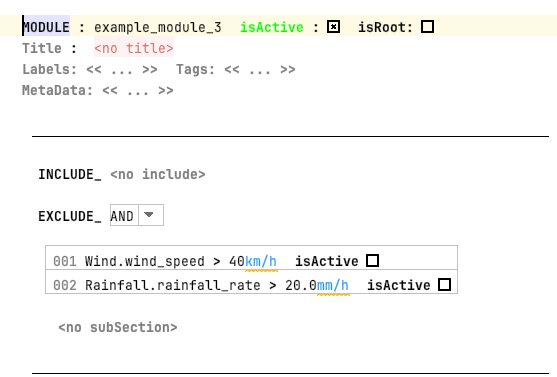
- Use sections to define what to include or exclude.
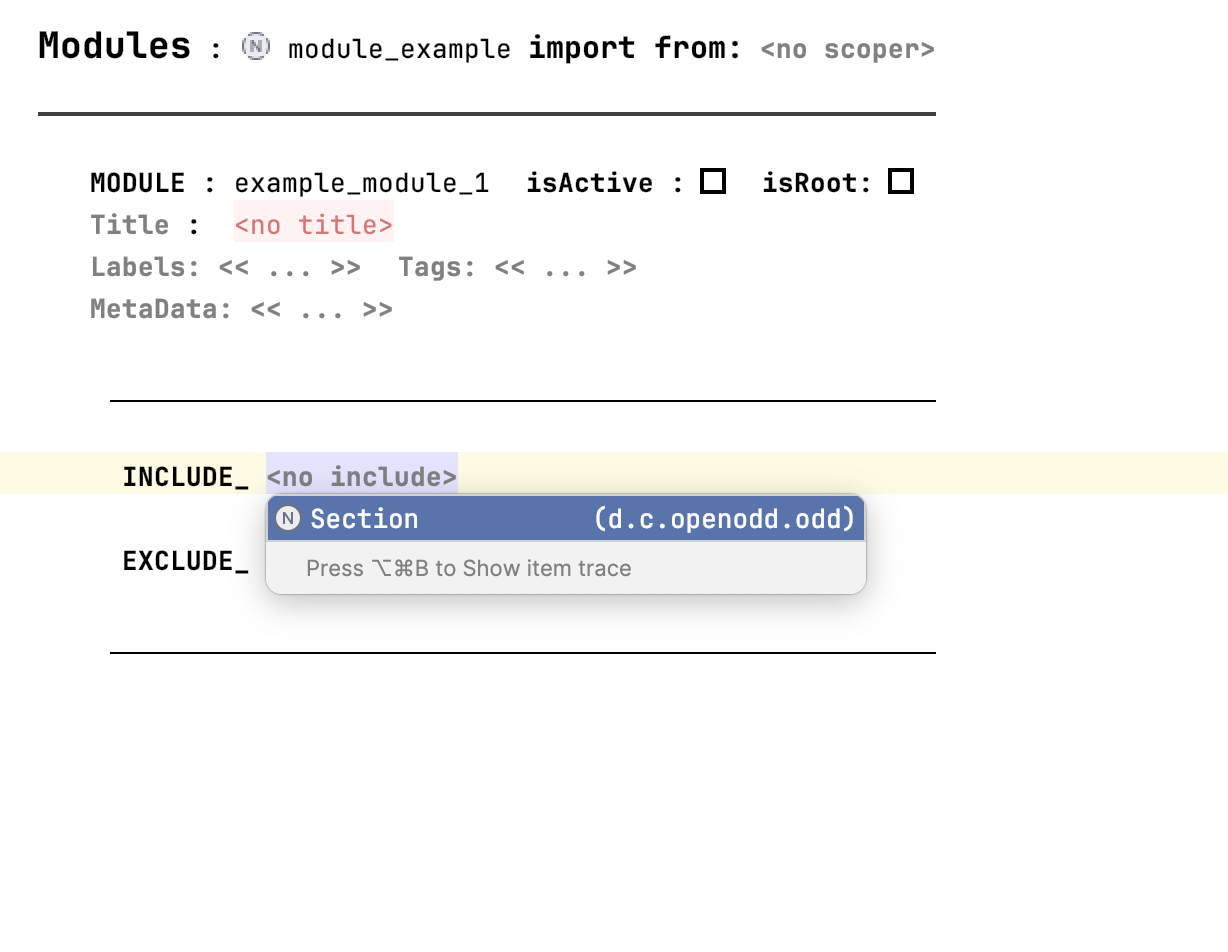
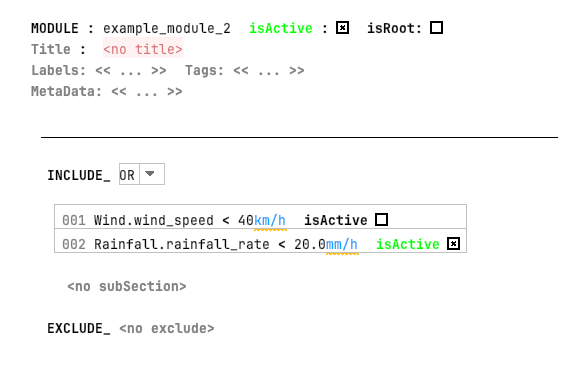
- Choose the operator (
ANDorOR).
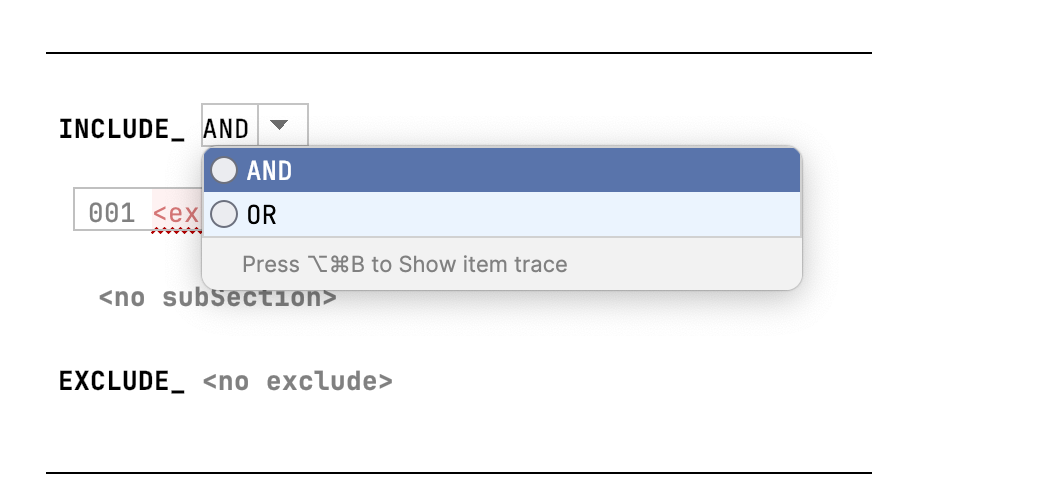
4. Add conditions from taxonomy
Before import
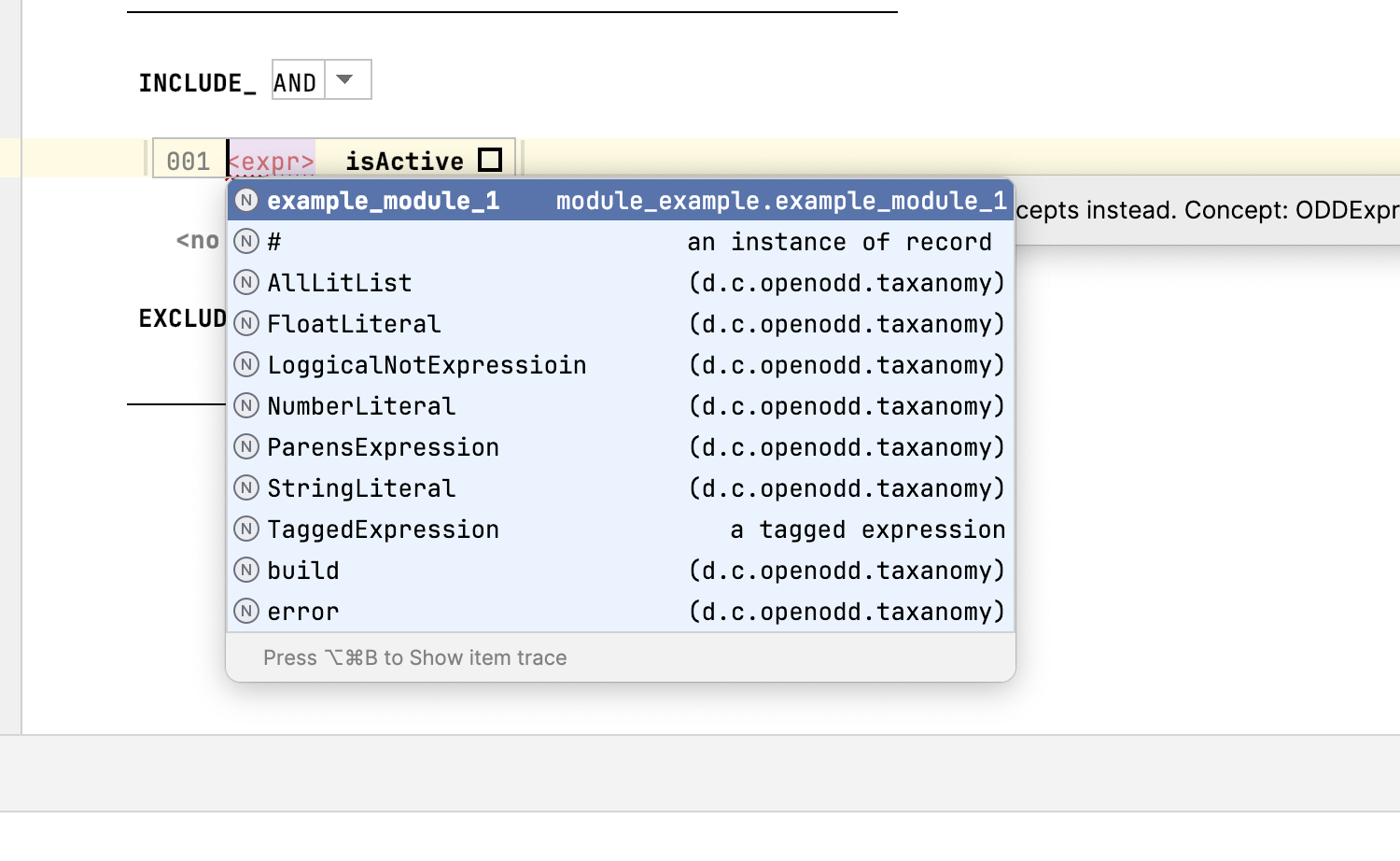
Import the taxonomy

After import
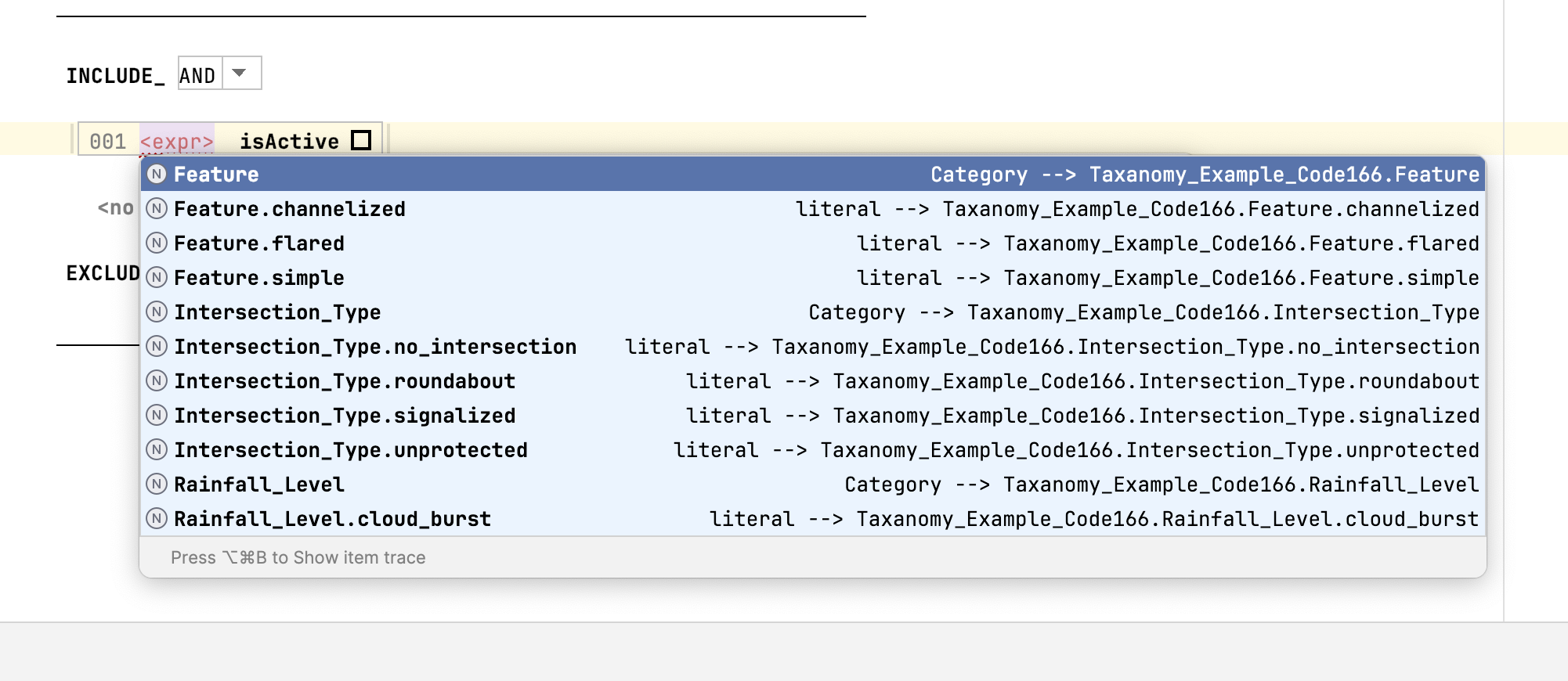
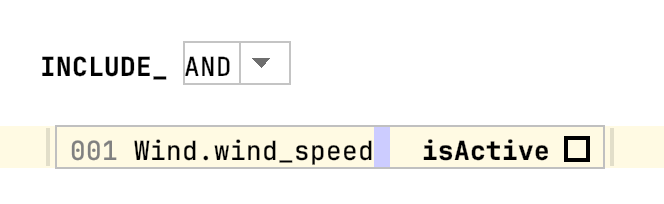
- Select the attribute:
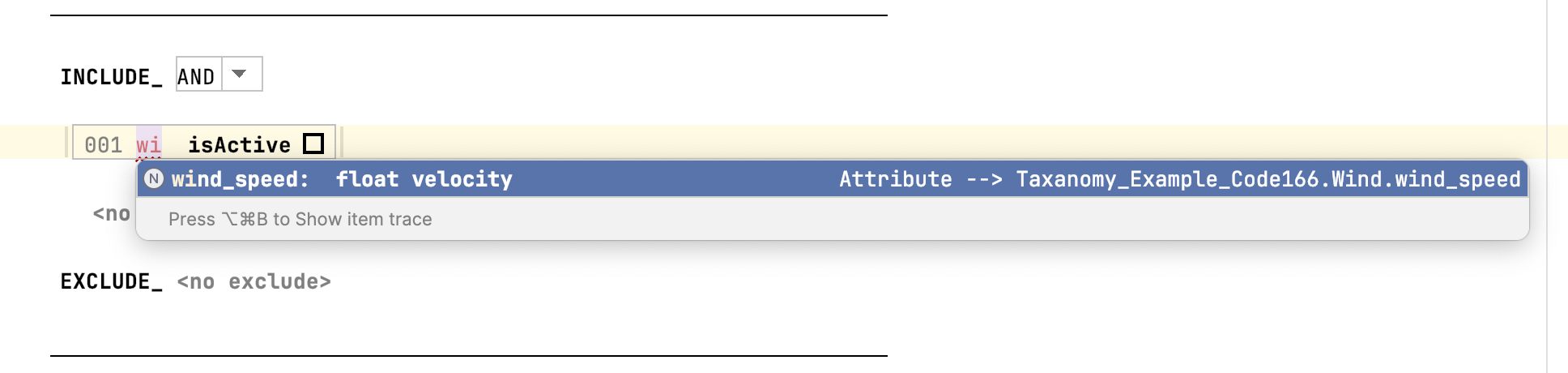
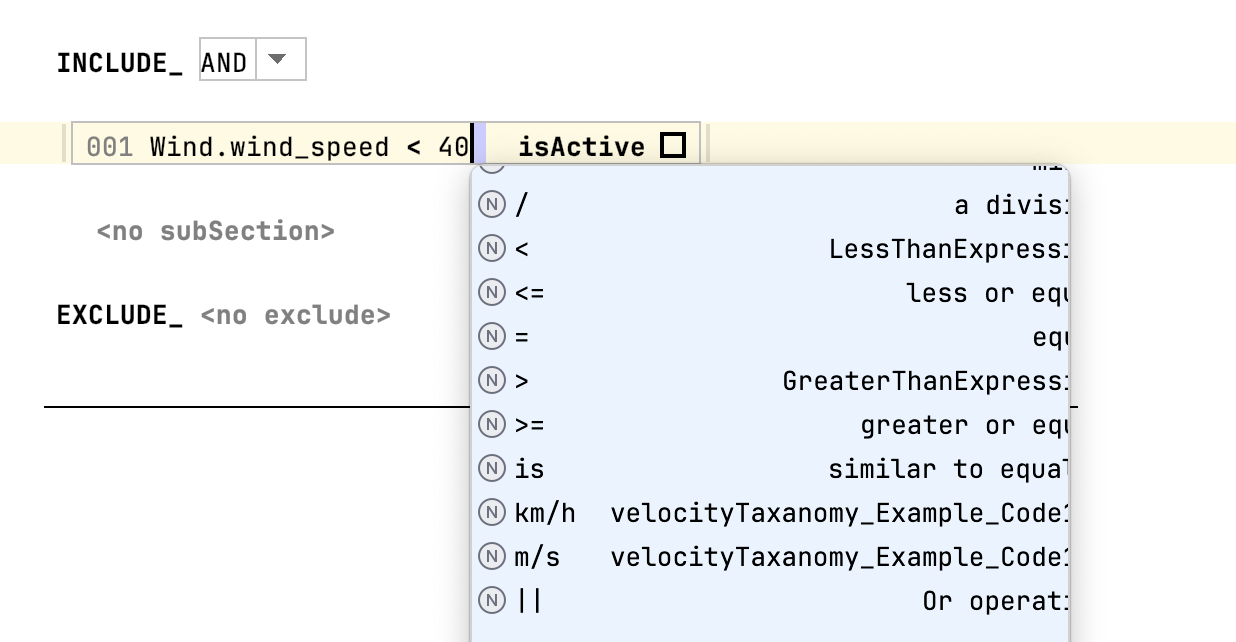
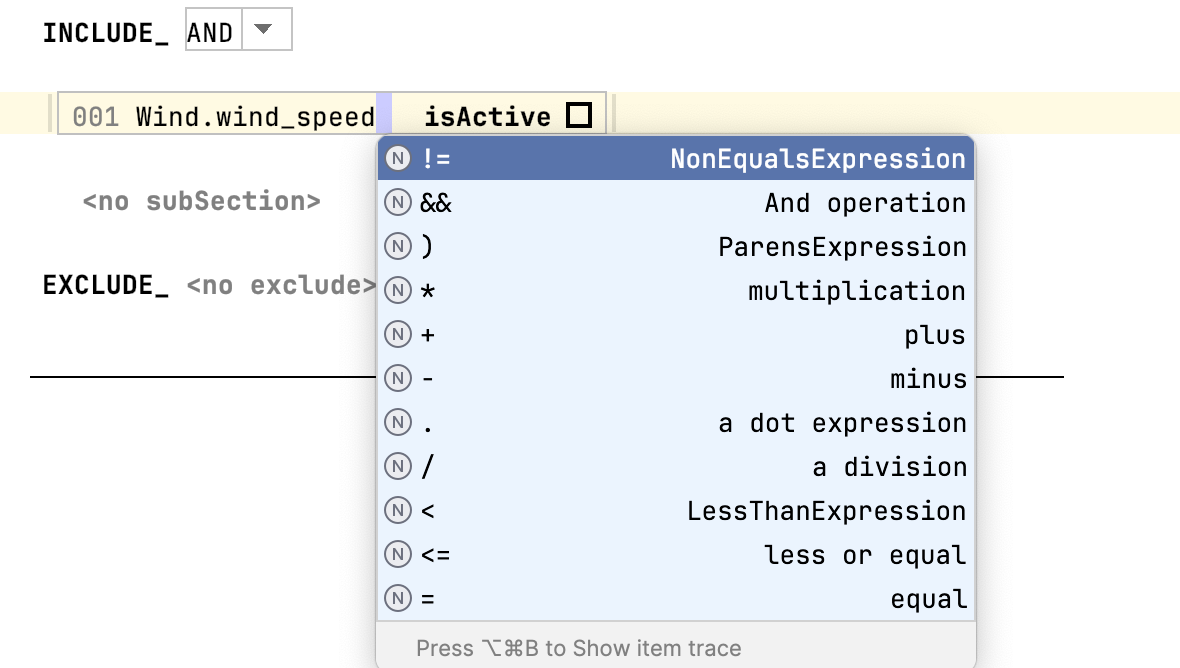
- Press Space, then Ctrl + Space to define the expression.
- Choose the expression type:
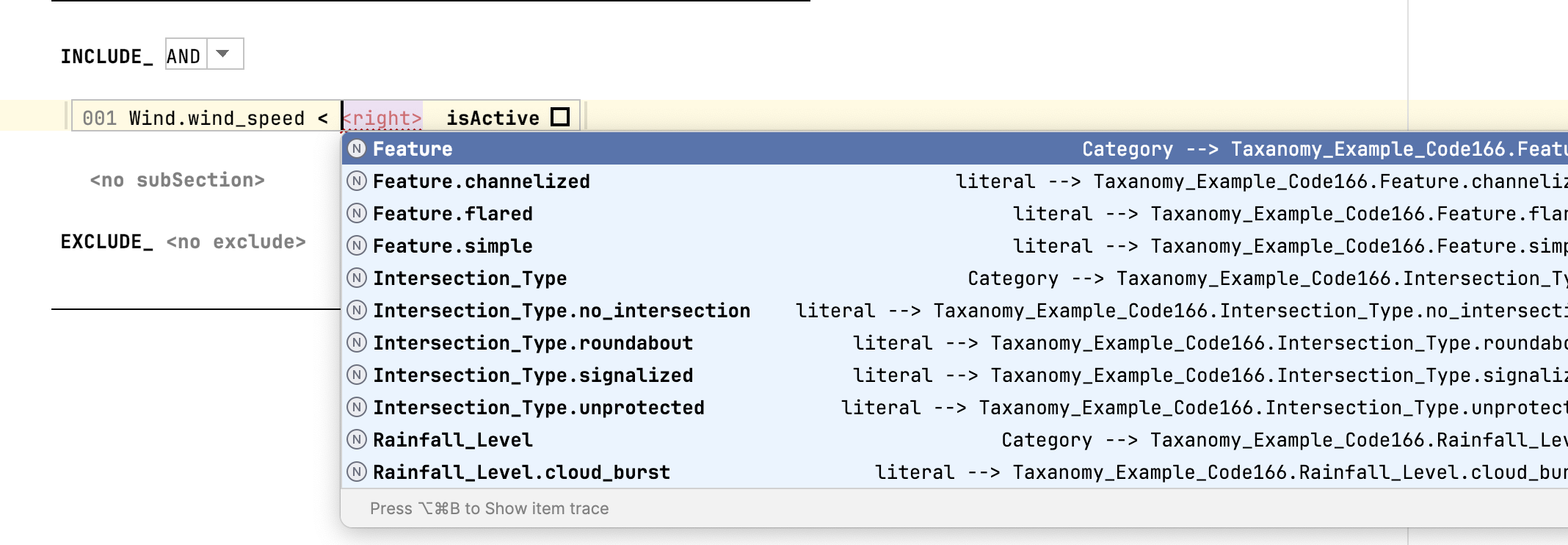
- Provide a literal value:
With unit:
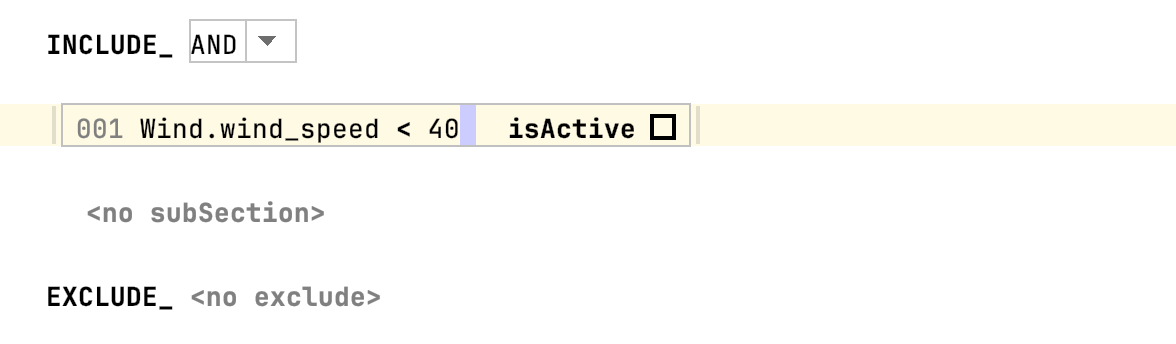
- Choose the unit: