🛠️ OpenODD DSL Setup Guide
Set up your OpenODD environment in JetBrains MPS with one of the following approaches.
Installation Guide
1. Request the RCP
To get started with the OpenODD DSL, request the RCP (Rich Client Platform) distribution for your platform by emailing:
- 📩 Email:
contact@cognisarc.de
Supported platforms: - Linux (64-bit) - macOS (Intel) - Windows (64-bit)
Once you receive the distribution, unzip the files and launch the RCP executable to start using the platform. The RCP is packaged with a compatible JDK. After receiving the RCP, please specify the path to the packaged JDK in your local environment in order to run the RCP.
🚀 Option 1: Use the Included Example Solution
The OpenODD RCP contains a pre-built solution with examples ready to explore. you can found an inbuilt solution repository here. clone it by using our rcp and use it. this is just an example.
Steps
- Go to File → Open Project
- Select the example solution bundled with the RCP.
- Browse
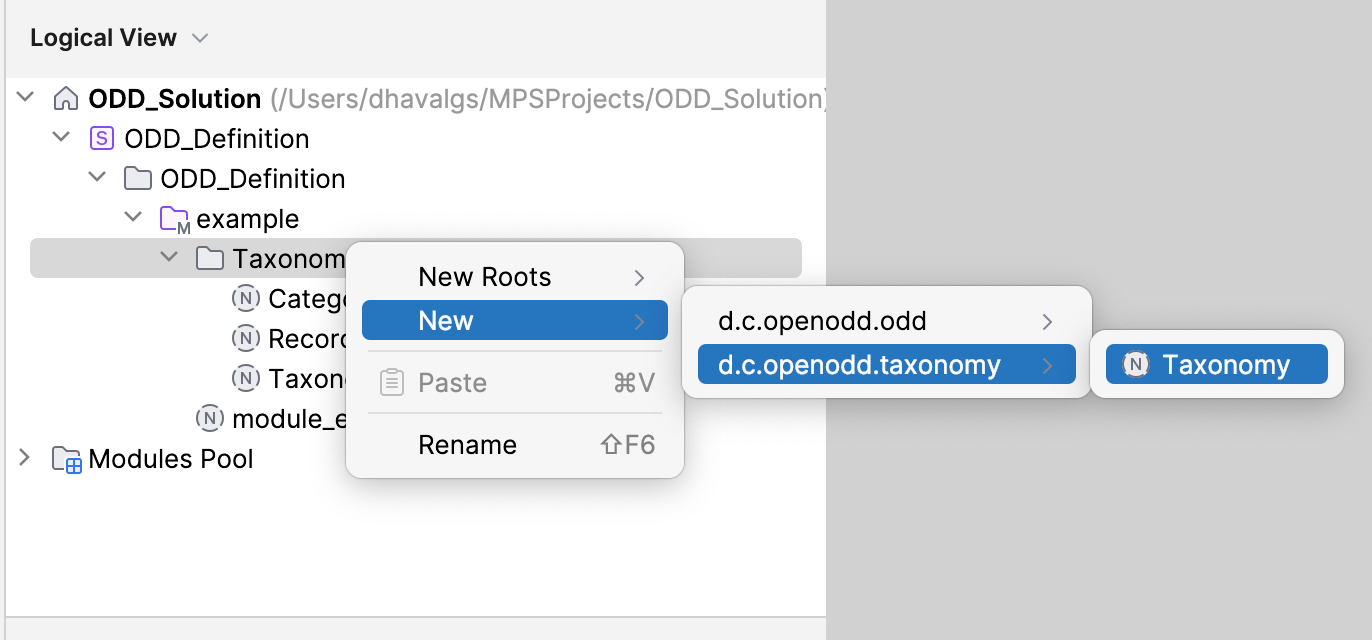
TaxonomyandODDModulesmodels. - Right-Click the Solution and Rebuild to generate YAML output.
🧱 Option 2: Create Your Own Project
Step 1: Create a New Project
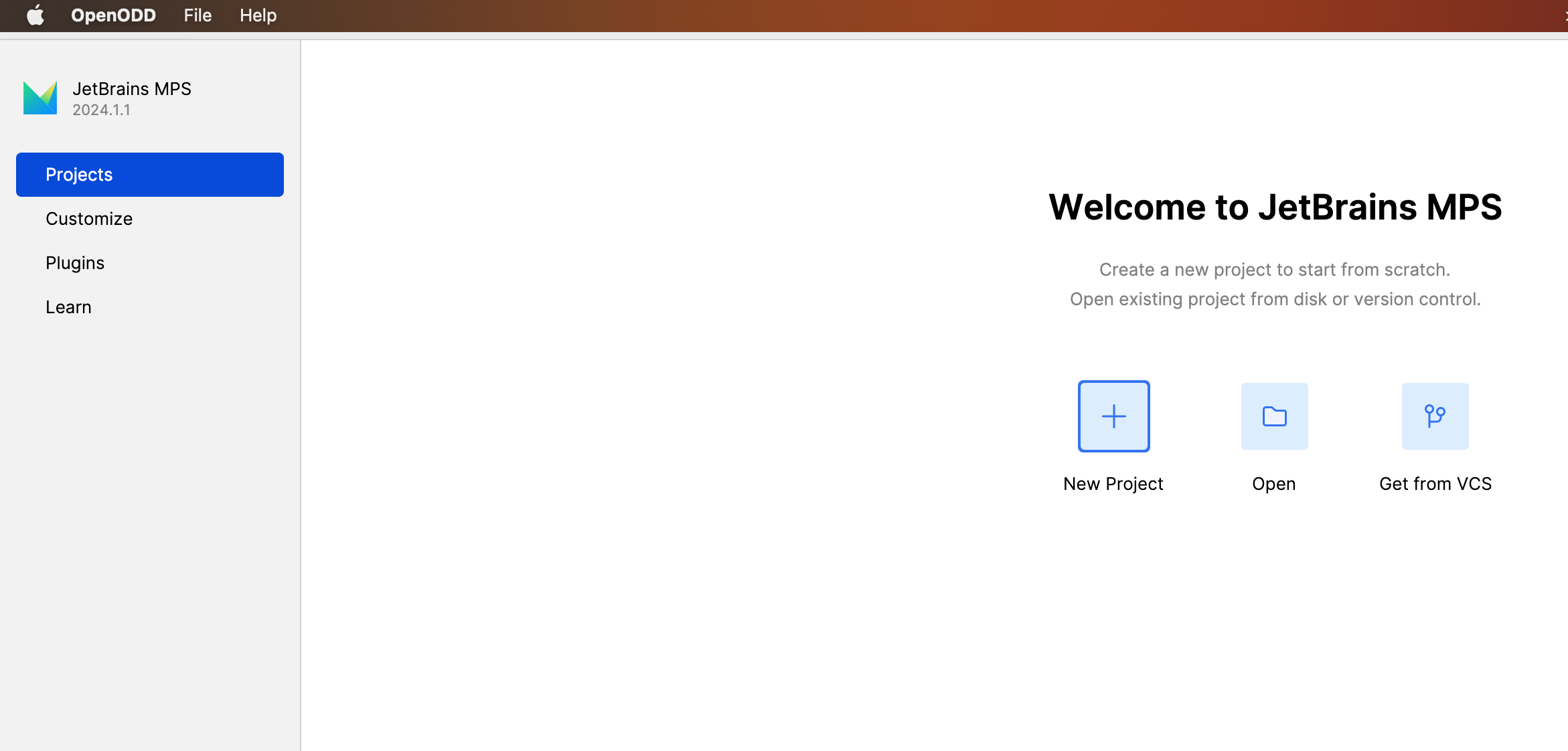
-
File → New Project
-
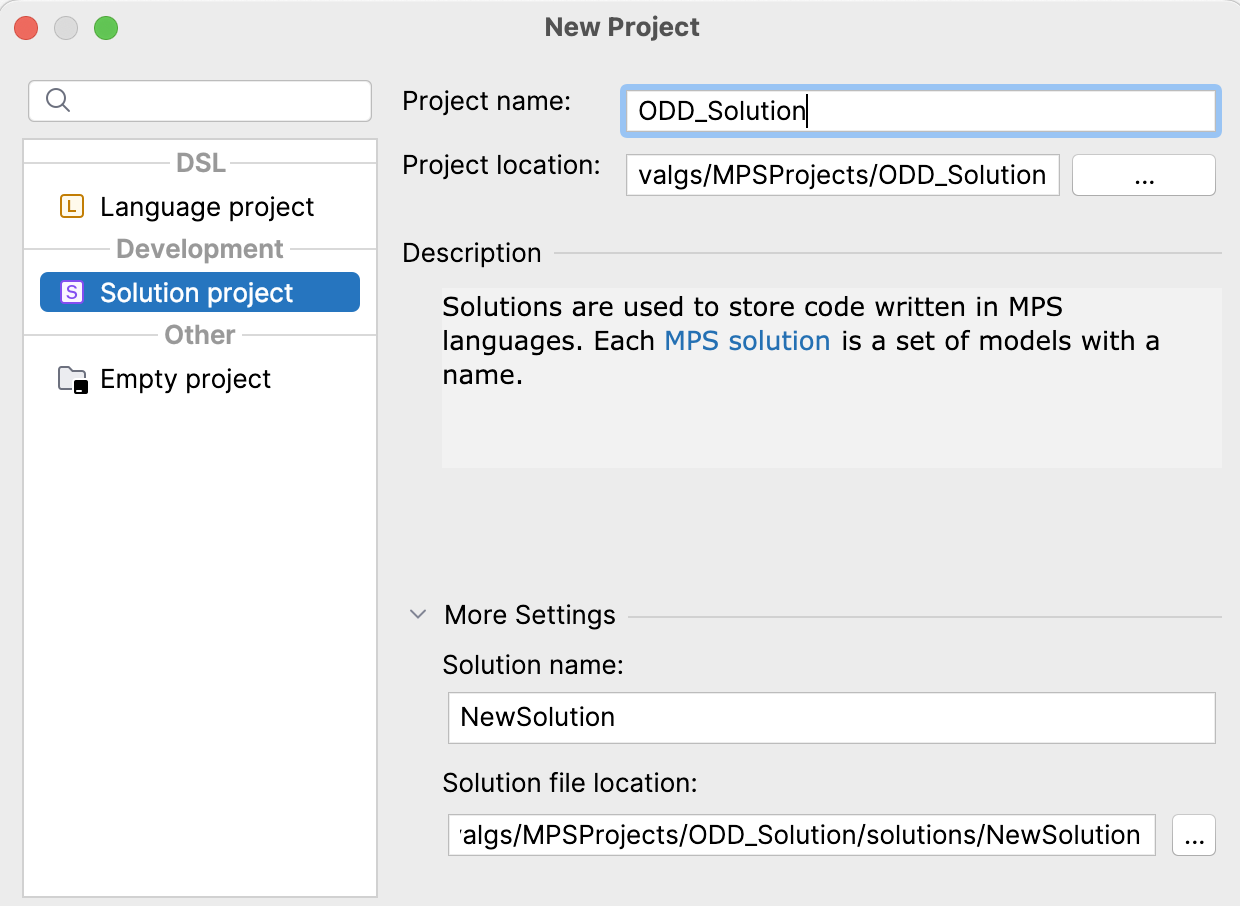
Choose Solution, name it, and choose a location.
Step 2: Add a Model
-
Right-click the solution →
New → Model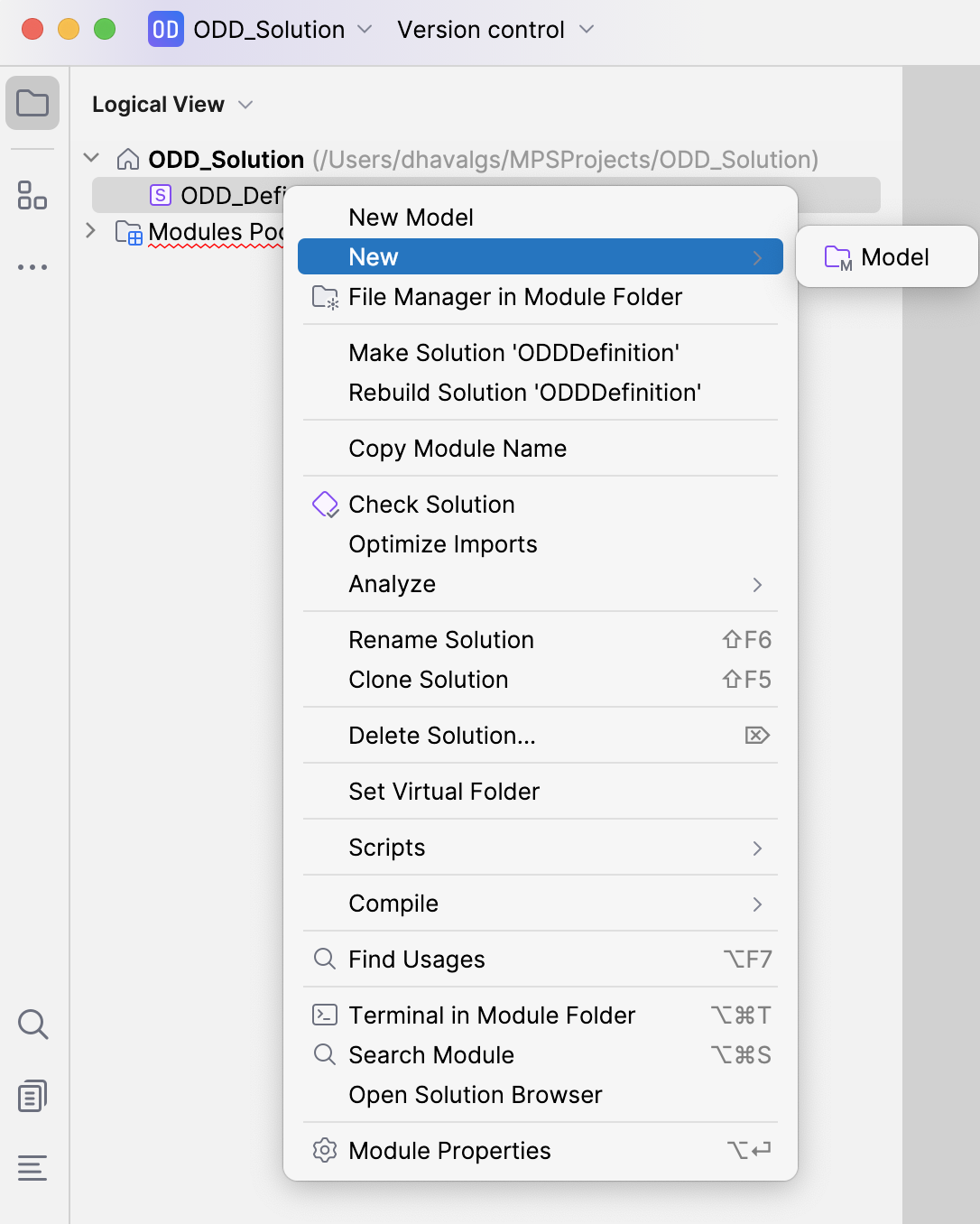
-
Use a namespace-like name (e.g.,
org.example.mytaxonomy)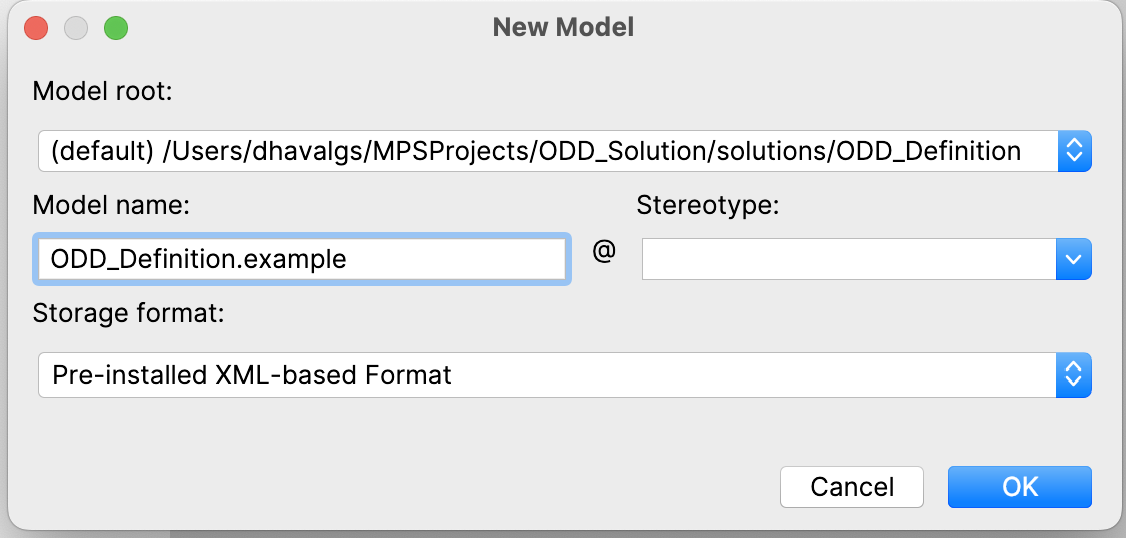
Step 3: Add Required Languages
-
Right-click the model →
Model Properties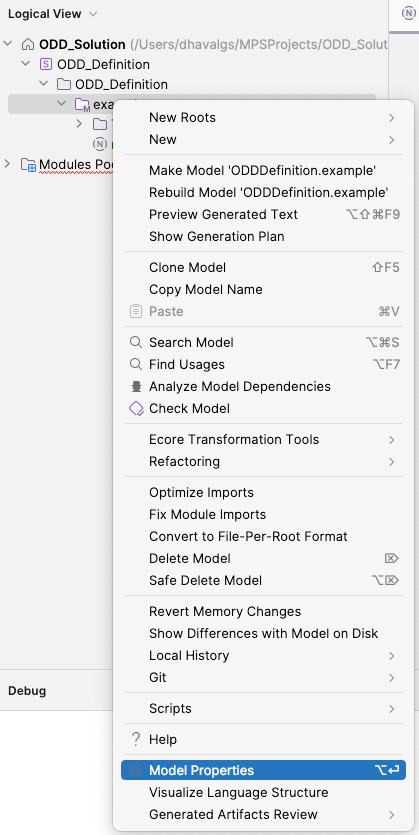
-
Under Used Languages, add:
de.cognisarc.openodd.taxonomyde.cognisarc.openodd.odd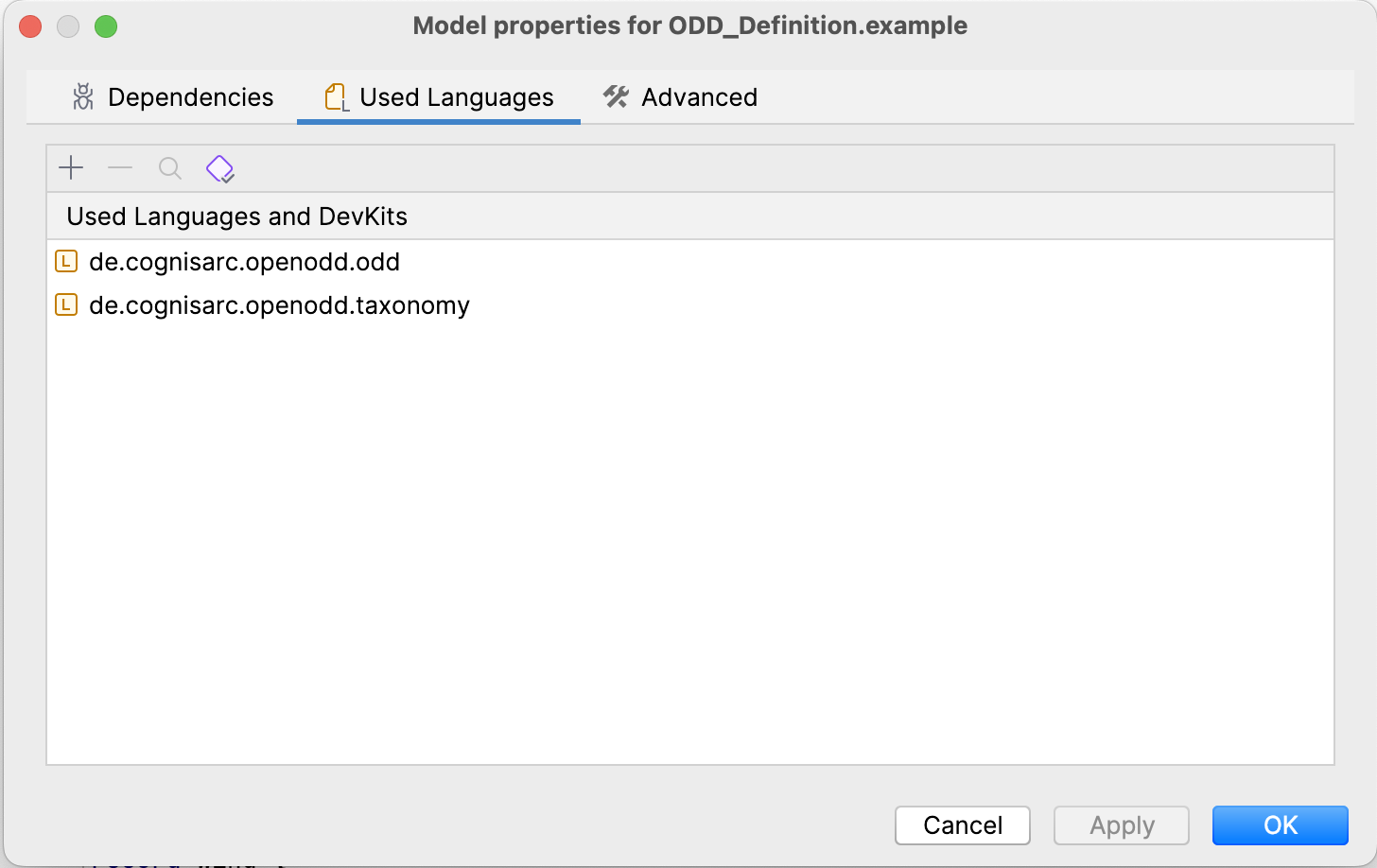
Step 4: Add Root Nodes
- Right-click the model →
Rebuild - Then right-click again →
New Root Node - Add:
- A
Taxonomyroot - An
ODDModulesroot
- A